
Software Testing Basics: The Complete Beginner’s Guide (2026)
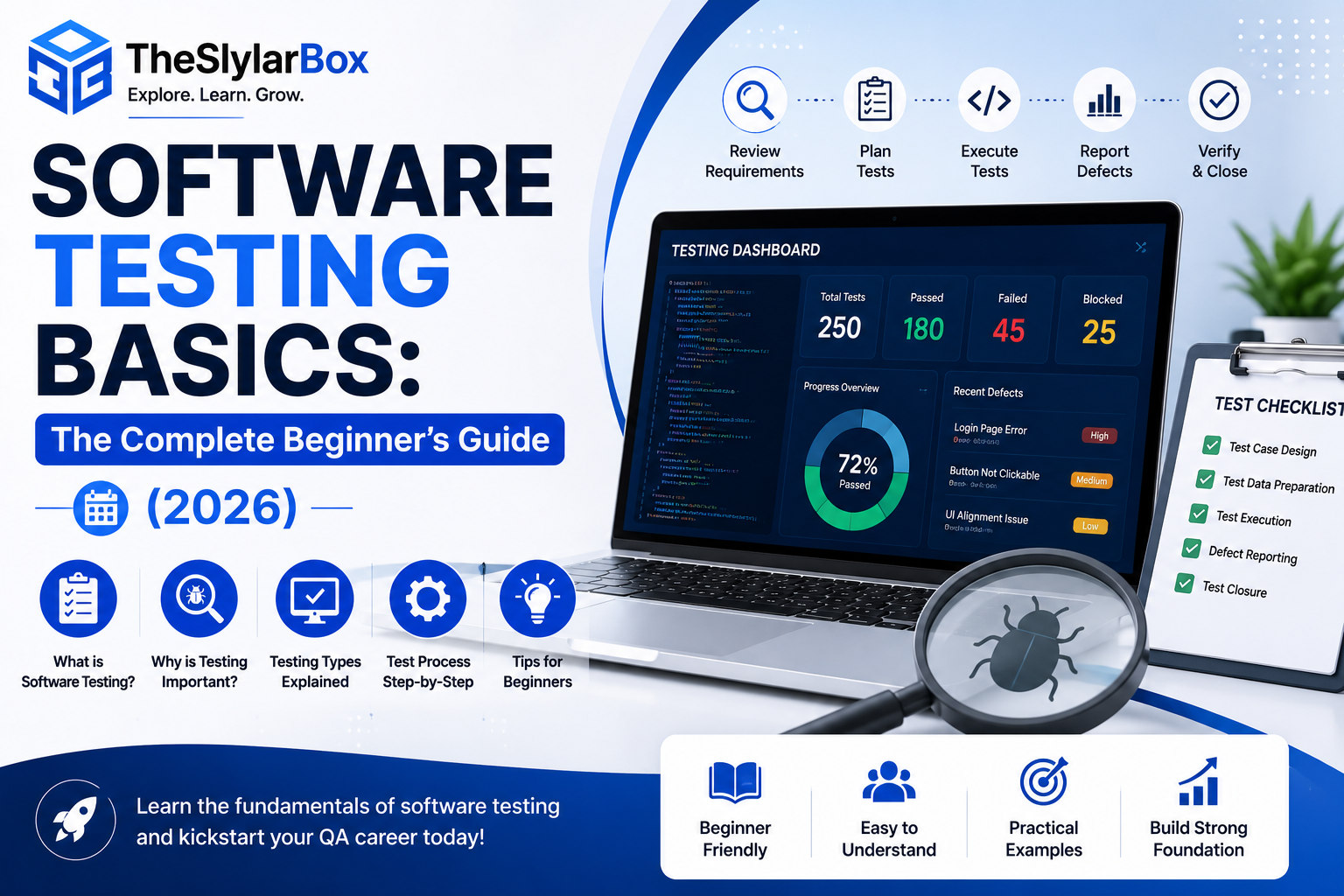
Software testing basics are the foundation every QA engineer, developer, and tech professional needs before anything else in the quality world makes sense: what testing actually is, why software cannot ship without it, the difference between manual and automation testing, the major testing types and levels, and the vocabulary (test cases, bugs, severity, priority) that the entire industry runs on. If you are considering a QA career, learning to code, or simply trying to understand what testers on your team actually do, this guide covers all of the software testing basics in plain language, with real examples.
By the end of this article, you will understand the complete testing landscape: the core concepts, the seven fundamental principles professionals follow, how testing fits into the software development lifecycle, where AI is changing the field in 2026, and a realistic step-by-step path to start learning testing yourself. No prior technical background is required this is genuinely written for beginners.
What Is Software Testing? (Quick Answer)
Quick answer: Software testing is the process of evaluating a software application to find defects (bugs) and verify that it works as intended, meets requirements, and delivers a good experience before real users depend on it. Testers do this by executing the software under controlled conditions, comparing actual behavior against expected behavior, and reporting any differences as defects for developers to fix. Testing answers two distinct questions: “Did we build the product right?” (verification) and “Did we build the right product?” (validation).
Testing is not just “clicking around to see if it works.” Professional testing is systematic: it is planned, documented, prioritized by risk, and measured — and that structure is exactly what separates a QA professional from a casual user who happens to notice bugs.
Why Software Testing Matters (Real Consequences)
The importance of testing is easiest to feel through what happens without it. Software failures have caused some of the most expensive mistakes in tech history: spacecraft lost because of unit-conversion errors in code, trading firms losing hundreds of millions in minutes due to faulty deployments, and countless product launches damaged by crashes on day one. On the everyday level, a checkout bug in an online store silently loses sales every hour it exists, and a banking app error destroys customer trust that took years to build.
For businesses, testing delivers four concrete things:
- Cost savings through early detection. A bug found during requirements or design costs a fraction of the same bug found in production — the later a defect is discovered, the more expensive it becomes to fix, often by orders of magnitude.
- Security. Testing uncovers vulnerabilities before attackers do.
- User trust and reputation. Users rarely give crashing apps a second chance.
- Compliance. Industries like finance, healthcare, and aviation legally require documented testing.
The 7 Principles of Software Testing
The industry (formalized by the ISTQB, the main international testing certification body) recognizes seven principles every beginner should internalize:
- Testing shows the presence of defects, not their absence. Testing can prove bugs exist; it can never prove software is 100% bug-free.
- Exhaustive testing is impossible. You cannot test every input combination; instead, testers prioritize by risk.
- Early testing saves time and money. Start testing activities as early as requirements review, not after coding finishes.
- Defects cluster. A small number of modules usually contain most of the bugs — experienced testers focus fire there.
- The pesticide paradox. Repeating the same tests eventually stops finding new bugs; test suites need regular review and new cases.
- Testing is context-dependent. A banking app and a mobile game demand very different testing approaches.
- Absence of errors is a fallacy. A bug-free product that does not meet user needs is still a failure — validation matters as much as verification.
Manual Testing vs Automation Testing
This is the first big fork in the testing world, and beginners should understand both:
Manual testing means a human executes test cases by hand — navigating the app, entering data, and observing results. It shines for exploratory testing (creatively hunting for unexpected issues), usability evaluation (does this feel right?), and one-off checks where writing automation would waste time. Every tester starts here, because manual testing builds the fundamental skill: thinking like a tester.
Automation testing means writing scripts or using tools that execute tests automatically — popular tools include Selenium, Playwright, and Cypress for web apps, and Appium for mobile. Automation shines for regression testing (re-checking that old features still work after every change), repetitive high-volume checks, and tests that must run across many browsers and devices. It requires programming knowledge and upfront investment, which pays off through speed and repeatability.
The honest answer to “which should I learn”: both, in order. Manual testing concepts first (they are the foundation automation is built on), then automation skills, because the job market increasingly expects testers who can do both.
Types of Software Testing: Functional vs Non-Functional
Testing types split into two big families:
Functional Testing — “Does it do the right things?”
- Smoke testing: A quick check that the critical basics work — can the app even launch and log in? Run before deeper testing begins.
- Sanity testing: A narrow check that a specific fix or feature works after a change.
- Regression testing: Re-running existing tests to confirm new changes broke nothing old — the single most repeated activity in QA, and the main target of automation.
- User acceptance testing (UAT): Real users or clients verify the software meets their needs before release.
Non-Functional Testing — “Does it do things right?”
- Performance testing: How fast does it respond? Includes load testing (normal expected traffic) and stress testing (pushing past limits to find the breaking point).
- Security testing: Hunting for vulnerabilities, from weak authentication to injection attacks.
- Usability testing: Is the software intuitive and pleasant for real humans?
- Compatibility testing: Does it work across browsers, devices, operating systems, and screen sizes?
The Four Levels of Software Testing
Testing happens in layers, from smallest to largest scope:
- Unit testing: Testing individual components (a single function or module) in isolation — usually written by developers.
- Integration testing: Testing whether units work correctly together — where modules meet is where bugs love to hide.
- System testing: Testing the complete, assembled application end to end against requirements.
- Acceptance testing: Final verification by users/stakeholders that the software is ready for the real world.
A useful mental model: unit testing checks the bricks, integration testing checks the walls, system testing checks the house, and acceptance testing asks whether the family actually wants to live in it.
Key Testing Terms Every Beginner Must Know
The vocabulary that appears in every QA job, interview, and tool:
- Test case: A documented set of steps, inputs, and expected results for checking one specific behavior (e.g., “Login with valid credentials → user reaches dashboard”).
- Test plan: The document defining scope, approach, resources, and schedule for testing effort.
- Bug / Defect: Any deviation between expected and actual behavior.
- Severity: How badly a bug damages the system (crash = high severity; typo = low).
- Priority: How urgently it should be fixed (a typo in the company name on the homepage is low severity but high priority).
- Test environment: The controlled setup (hardware, software, data) where testing runs.
- STLC (Software Testing Life Cycle): The phases of testing work — requirement analysis, test planning, test case development, environment setup, execution, and closure — running alongside the SDLC (Software Development Life Cycle).
- Bug report: The document a tester writes for developers: steps to reproduce, expected vs actual result, severity, screenshots/logs. Writing clear bug reports is a genuinely career-defining skill.
AI in Software Testing: What’s Changing in 2026
No honest basics guide in 2026 can skip this: AI is actively reshaping testing work, and beginners who understand it early have an advantage.
The real, current applications include AI-assisted test case generation (tools that read requirements or user stories and draft test cases), self-healing automation (scripts that automatically adapt when a button or element changes, dramatically reducing maintenance — the historical pain of automation), visual testing (AI comparing screenshots to catch layout breakage humans miss), intelligent test prioritization (running the tests most likely to catch bugs in a given change first), and using LLM assistants to draft test data, edge cases, and bug report language.
Two balanced truths for beginners: first, AI is not replacing testers — it is removing the most repetitive parts of the job and raising expectations for the judgment-heavy parts (risk analysis, exploratory skill, deciding what matters). Second, the fundamentals in this article matter more, not less, in an AI-assisted world: you cannot review an AI-generated test suite for gaps if you never learned what good test coverage looks like.
How to Start Learning Software Testing (Beginner Roadmap)
A realistic self-study path that mirrors how actual QA careers begin:
- Learn the theory in this article deeply — principles, types, levels, and terms. Free resources and ISTQB Foundation Level syllabus material cover this ground.
- Practice on real applications. Pick any website or app and write ten test cases for its login page. Include negative cases: wrong password, empty fields, SQL characters in inputs. This exercise teaches more than a week of videos.
- Learn to write bug reports. Practice the format: title, steps to reproduce, expected result, actual result, severity. Clarity here gets juniors hired.
- Add basic SQL and one bug-tracking tool (Jira is the industry standard) — both appear in nearly every QA job description.
- Then move to automation: start with one language (Python or JavaScript) and one modern tool (Playwright or Selenium), automating the manual test cases you already wrote.
- Consider ISTQB Foundation certification if you want a recognized credential for job applications — valued especially in service companies and formal industries.
Expect roughly three to six months of consistent effort to become junior-QA interview-ready via this path — a genuinely achievable timeline compared to most tech roles.
Frequently Asked Questions About Software Testing Basics
What are the basics of software testing?
The basics include understanding what testing is (verifying software works as intended and finding defects), the difference between manual and automation testing, functional vs non-functional testing types, the four levels (unit, integration, system, acceptance), and core terms like test cases, bug reports, severity, and priority.
Is software testing easy to learn for beginners?
Software testing has one of the gentlest learning curves in tech: the theory is accessible without coding, and manual testing skills can be practiced on any app you already use. Automation adds programming later. Most dedicated beginners reach junior-job readiness within three to six months.
Does software testing require coding?
Manual testing requires no coding, and many QA careers start there. Automation testing requires programming (commonly Python, Java, or JavaScript). The strongest career path is learning manual fundamentals first, then adding automation skills, since employers increasingly want both.
What is the difference between QA and software testing?
Testing is the hands-on activity of executing software to find defects. QA (Quality Assurance) is the broader discipline that includes testing plus the processes, standards, and prevention practices that stop defects from being created in the first place. Testing detects; QA also prevents.
Which software testing tools should a beginner learn first?
Start with a bug-tracking tool (Jira) and basic browser DevTools for manual work. For automation, Playwright or Selenium for web testing, paired with Python or JavaScript, offers the best current mix of job demand and beginner-friendly learning resources.
Will AI replace software testers?
AI is automating repetitive parts of testing — test generation, script maintenance, visual comparisons — but it increases the value of human judgment: deciding what to test, assessing risk, exploratory testing, and reviewing AI output for gaps. Testers who use AI tools effectively are replacing testers who don’t, rather than AI replacing the role.
Final Thoughts on Software Testing Basics
Software testing basics come down to a mindset plus a toolkit: the mindset that every feature is guilty until proven working, and the toolkit of types, levels, principles, and vocabulary this guide has walked through — from smoke tests to regression suites, from severity vs priority to the STLC. Layer in the 2026 reality that AI now drafts tests and heals scripts while humans supply the judgment, and you have an accurate map of what the field actually looks like today.
If you take one action after reading: open any app you use daily and write ten test cases for one screen, including the negative paths. That single exercise converts this theory into skill — and it is the exact moment most successful QA careers quietly begin.
Are you starting your QA journey or adding testing skills to another role? Share where you are in the comments, and explore our other tech skills and AI tool guides here on Slylar Box.