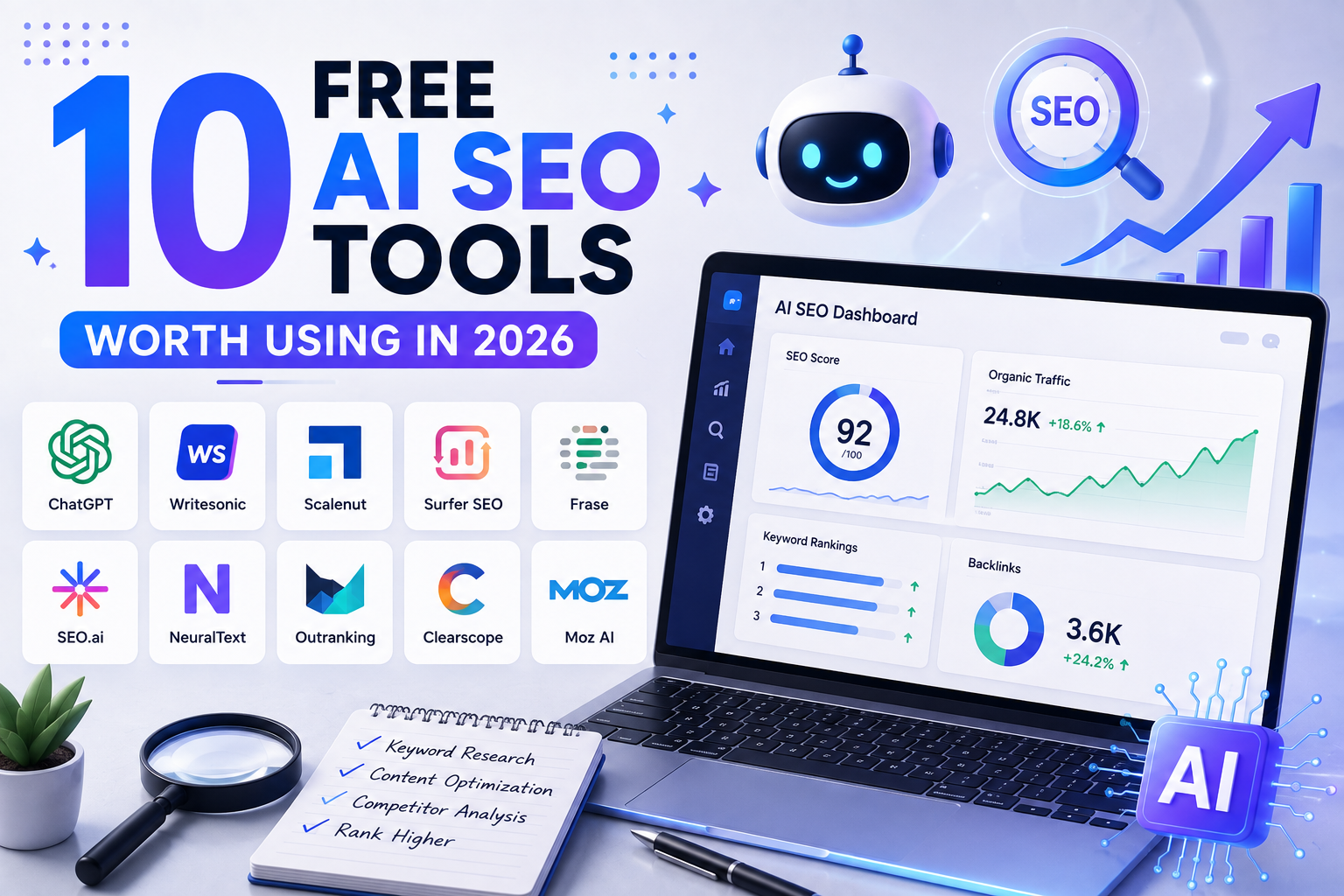
10 FREE AI SEO TOOLS WORTH USING IN 2026
The best free AI SEO tools right now fall into five categories keyword research, content optimization, technical audits, local SEO, and AI visibility tracking and no single tool covers all five well. The smartest approach isn’t picking one best tool it’s building a small free stack that covers each category, then upgrading only the category where a free tool’s limits actually start costing you results.
Here’s a category-by-category breakdown, what each type is genuinely good for, and where the free tiers fall short.
Why “Free AI SEO Tools” Is the Wrong Search Sort Of
Most searches for “free AI SEO tools” expect a single ranked list. In reality, AI-powered SEO tooling isn’t one category it’s several distinct jobs (research, writing, auditing, tracking) that happen to all use AI under the hood. Treating them as one list is exactly why so many “best AI SEO tools” roundups feel shallow: they mix a keyword tool, a grammar checker, and a technical crawler into one ranking as if they’re interchangeable.
The more useful framing is to build a stack: one tool per job, chosen for what free tiers are realistically strong at, with a clear sense of when each one’s limits mean it’s time to pay.
Category 1: Keyword Research & Search Intent
Free tools in this category are strong at idea generation and semantic expansion, weaker at precise volume/difficulty data.
- Google Search Console (free, unlimited): Shows the actual queries your site already gets impressions for arguably the single most underused free keyword research source, since it’s real data from your own site rather than an estimate.
- Google Keyword Planner (free with a Google Ads account): Solid for rough volume ranges, though figures are bucketed rather than exact.
- AI chat assistants (free tiers): Excellent for expanding seed topics into long-tail question variations and for the semantic clustering step described in the AI keyword research process but treat any volume numbers they generate as estimates, not verified data.
Where free tiers fall short: exact keyword difficulty scoring and competitor keyword gap analysis both require crawled, indexed data that free tools generally don’t provide at meaningful scale.
Category 2: Content Optimization & Writing Assistance
This category has the most genuinely useful free tools, since AI writing assistants have strong free tiers by default.
- AI chat assistants (ChatGPT, Claude, Gemini free tiers): Useful for outlining, drafting, and critically restructuring content into the AEO-friendly format (direct answers, lists, tables) covered in the Google AI Overviews guide.
- Free plagiarism/AI-detection checkers: Useful as a sanity check before publishing, though results from any single detector shouldn’t be treated as definitive.
- Google’s free readability and Search Console coverage reports: Help confirm a page is indexable and free of basic technical issues after publishing.
Where free tiers fall short: true semantic SEO scoring (measuring how comprehensively a page covers a topic’s full entity/keyword field) is typically a premium feature in most content optimization platforms.
Category 3: Technical SEO Audits
- Google Search Console: Free, and covers indexing status, mobile usability, and Core Web Vitals the technical basics most small sites actually need to monitor.
- Google PageSpeed Insights: Free page-by-page performance and Core Web Vitals diagnostics.
- Screaming Frog (free version, capped at 500 URLs): Enough for a full technical crawl on most small-to-mid-sized blogs, flagging broken links, duplicate titles, and missing meta descriptions.
Where free tiers fall short: site-wide crawls beyond a few hundred URLs, and ongoing automated monitoring (vs. manual one-off audits), typically require a paid plan.
Category 4: Local SEO
- Google Business Profile (free): The single highest-impact free tool for any business with a physical location or service area directly affects local pack visibility.
- Google’s free review and Q&A management tools within Business Profile: Help maintain the review signals that feed into local ranking factors.
Where free tiers fall short: multi-location rank tracking and citation-building automation across directories generally require paid local SEO platforms.
Category 5: AI Visibility & Citation Tracking
This is the newest category, and free options here are the most limited.
- Manual SERP checks: Searching your target queries yourself (logged out) to see whether an AI Overview appears and whether your site is cited free, but manual and not scalable.
- Search Console impression trends: As covered in the AI Overviews guide, watching impressions rise without a matching rise in clicks can hint at AI-driven visibility that isn’t showing up as a traditional click.
Where free tiers fall short: dedicated AI-citation tracking (showing exactly which AI platforms mention your brand and how often) is currently a paid-tool category almost entirely, since it requires ongoing automated querying across multiple AI platforms.
How to Build a Free AI SEO Stack
Rather than picking tools at random, assemble one from each category based on your current stage:
- Research stage: Google Search Console + an AI chat assistant for topic expansion
- Writing stage: AI chat assistant for drafting and restructuring into AEO-friendly format
- Technical stage: Google Search Console + PageSpeed Insights + Screaming Frog (free tier)
- Local stage (if relevant): Google Business Profile
- Tracking stage: Manual SERP checks + Search Console impression monitoring
This combination costs nothing and covers every stage of the content lifecycle
from finding a topic to confirming it’s indexed and visible.
When Free Tools Stop Being Enough
Free tools are genuinely sufficient for a site in its first several months of focused, single-niche publishing. The point where upgrading starts paying for itself is usually when:
- You need exact keyword difficulty scoring to prioritize between dozens of competing topic ideas
- You’re tracking rankings across more than a handful of core keywords weekly
- You need automated technical crawls beyond a few hundred URLs
- You want to see keyword gaps against specific named competitors
- You need ongoing AI-citation tracking rather than occasional manual checks
Until then, a well-assembled free stack, used consistently, will outperform an expensive tool used inconsistently tooling has never been the limiting factor for a new site; consistent, focused publishing is.
Free vs. Paid: A Realistic Comparison
To set expectations clearly before you build a stack, here’s how free and paid tiers typically compare across the same five categories:
| Category | What Free Tiers Cover Well | What Usually Requires Paid |
| Keyword research | Idea expansion, rough volume ranges, real query data from your own site | Exact difficulty scores, competitor keyword gaps at scale |
| Content optimization | Drafting, restructuring, basic readability checks | Semantic/topical completeness scoring against top-ranking pages |
| Technical audits | Full crawls up to ~500 URLs, Core Web Vitals, indexing status | Automated ongoing crawls, sites beyond a few hundred URLs |
| Local SEO | Business Profile management, reviews, basic local presence | Multi-location rank tracking, citation automation across directories |
| AI visibility tracking | Manual spot-checks, impression-trend monitoring | Automated cross-platform citation tracking and alerts |
The pattern across every category is the same: free tiers are strong at one-time or manual tasks, and paid tiers earn their cost mainly through automation and scale. For a single-site, single-niche publisher, that means free tools can realistically carry the entire workflow until publishing volume or competitiveness increases enough to justify automating it.
A Realistic Scenario: Six Months on a Free Stack Alone
Consider a new site publishing two well-researched articles a week, entirely on a free tool stack: Search Console for query data, an AI assistant for topic expansion and drafting, Screaming Frog’s free tier for a monthly technical check, and manual SERP spot-checks on its five most important target queries.
By month six, that site would have roughly 50 published articles, a functioning Search Console history showing which queries are actually driving impressions, and enough manual SERP observation to know whether any of its priority pages are being pulled into AI Overviews. None of that requires a paid tool it requires consistent use of the free ones. The upgrade decision becomes obvious only once a specific bottleneck shows up, such as needing to compare keyword difficulty across fifty shortlisted topics at once instead of a handful.
Common Mistakes When Using Free AI SEO Tools
- Relying on AI-generated search volume numbers instead of cross-checking Search Console or Keyword Planner
- Using a free technical crawler once and never re-running it after publishing new content
- Treating AI writing output as publish-ready without restructuring it for AEO/semantic SEO
- Ignoring Google Business Profile entirely for a business with genuine local relevance
- Chasing a long list of “top 20 tools” instead of picking one solid tool per actual job
FAQ: Free AI SEO Tools
Are free AI SEO tools good enough for a new website? Yes, for the first several months of a focused publishing strategy. The main constraint at that stage is usually content consistency and topical focus, not tooling a free stack covers research, writing, and technical basics adequately.
Which free tool should I start with if I can only use one? Google Search Console. It’s the only tool on this list that gives you real data about your own site’s actual search performance, at zero cost, with no rate limits.
Can AI chat assistants replace a dedicated keyword research tool entirely? Not for volume and difficulty data specifically those numbers require access to real, indexed search data that AI language models don’t have live access to. Use AI assistants for expansion and clustering, and verify hard numbers elsewhere.
Do I need a paid technical SEO tool right away? Usually not. Screaming Frog’s free tier (500 URLs) covers most small blogs’ full site, and Search Console plus PageSpeed Insights handle ongoing monitoring for free.