How to Do the AI Trend on Facebook
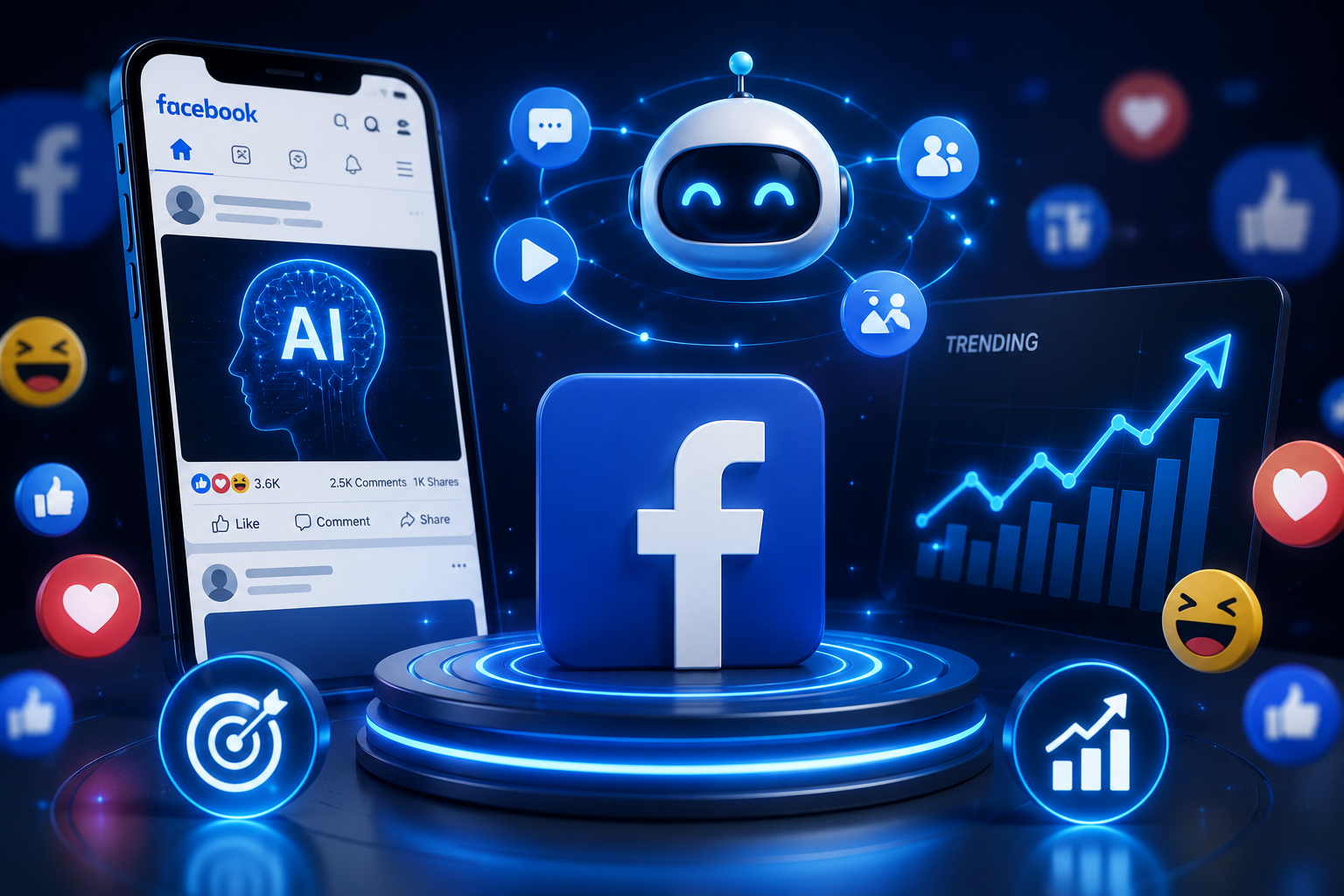
The AI trend on Facebook refers to the wave of users turning ordinary selfies into stylized, AI-generated portraits — cinematic headshots, fantasy avatars, nostalgic photo remasters, and animated characters — using Meta AI’s built-in tools or third-party generators, then sharing the results as profile pictures, posts, or Reels. It’s become one of the platform’s most engaged content formats in 2026, driven largely by Meta’s own push to embed generative AI directly into its posting tools so that even non-designers can create shareable, viral-looking visuals.
What Is the AI Trend on Facebook?
The AI trend on Facebook works by feeding a real photo into an AI image model along with a style prompt, producing a stylized reinterpretation that keeps your likeness recognizable while applying a specific visual treatment — cinematic lighting, a cartoon art style, a fantasy costume, or a nostalgic film-camera look. Unlike a simple photo filter, these tools regenerate the image using AI, which is why results are probabilistic: running the same prompt twice on the same photo can produce noticeably different outputs.
How to Do the AI Trend on Facebook (Step by Step)
- Choose your source photo. A clear, front-facing selfie with even lighting and a simple background produces the most reliable results — avoid heavy existing filters, since they can distort how the AI interprets your face.
- Pick a style first, then find the matching prompt. Decide on the look you want — cinematic portrait, fantasy avatar, cartoon, or nostalgic remaster — rather than starting from a vague prompt and hoping for the best.
- Open Meta AI or a third-party generator and upload your photo along with your chosen style prompt.
- Add lighting and lens details to your prompt — phrases like “dramatic lighting,” “8K portrait,” or “35mm lens, shallow depth of field” noticeably improve realism.
- Generate multiple variations (4–8 is typical) rather than accepting the first result, since hands, text, and fine details are the most common places AI output goes wrong.
- Review before posting — check hands, background text, and any logos, which AI models still render unreliably.
- Post with a short, specific caption naming the trend or style, since discovery on Facebook still depends partly on people recognizing and following the trend themselves.
Best Tools for the AI Trend on Facebook: A Comparison
Several tools now compete for the same use case, but they differ meaningfully in approach:
- Meta AI (“Imagine Me”) — built directly into Facebook, so there’s no separate app to install. Best for users who want the simplest possible path and are comfortable with Meta’s own data handling.
- CapCut AI Tools — strong template library specifically tailored for Facebook-ready output, with one-click effects aimed at users with no editing background.
- Media.io — positions itself as a cross-platform generator, letting you create one AI image and adapt it for Facebook, TikTok, and Instagram simultaneously, plus photo-to-video conversion for Reels.
- Pict.AI — a free browser and iOS tool with more granular prompt control (lighting, lens, texture), better suited to users who want to fine-tune a specific look rather than use a fixed template.
- Dreamina — offers a large library of pre-written viral prompts (baseball broadcast scenes, Lofi Dusk portraits, Y2K flash-photo styles) for users who want to copy a proven prompt rather than write their own.
If you want the absolute simplest path, Meta AI’s native tool is the obvious starting point since it requires no app installation. If you want more creative control over the final look, a dedicated tool like Pict.AI or Dreamina gives you more room to fine-tune lighting and style before generating.
Viral AI Photo Styles Trending on Facebook Right Now
- Nostalgic photo remasters — old photos sharpened and colorized with cinematic clarity, popular for “throwback” posts.
- Fantasy and mythological avatars — users reimagined as elf warriors, cyberpunk heroes, or mythological figures.
- Cartoon and Pixar-style transformations — a softer, animated reinterpretation of a real photo.
- Magazine-cover style portraits — dramatic lighting and posing designed to mimic professional editorial photography.
- Seasonal themes — holiday-specific versions (snowy portraits, festive outfits) that spike around specific times of year.
If you’re specifically interested in the cartoon or caricature versions of this trend, we’ve covered those in more depth separately — see our guides on the AI cartoon trend and the AI caricature trend for style-specific prompts and steps. And if you’re curious about the broader AI photo trend beyond Facebook specifically, our general guide on the new AI photo trend covers the wider trend across platforms.
Privacy and Safety Considerations
Before joining the AI trend on Facebook, it’s worth understanding what you’re actually agreeing to: uploading a selfie to any AI tool typically means that photo is used to train or fine-tune the underlying model, and some apps request broader access or store biometric data beyond what’s needed for a single edit. Stick to well-known, verified platforms — Meta’s own tools or established apps with clear privacy policies — rather than obscure third-party generators that ask for excessive permissions. It’s also worth remembering that AI-generated images of real people can be misused or taken out of context once shared, so treat anything you post as something that could be reshared beyond your intended audience.
Tips to Make Your AI Trend Post Go Viral on Facebook
- Video slideshows and short animated clips outperform single static images in reach, particularly in Facebook Reels.
- Clear lighting in your source photo directly improves AI accuracy, which in turn improves how polished the final output looks.
- Specific, descriptive prompts beat vague ones — naming an exact style (“1990s film camera nostalgia,” “cyberpunk neon portrait”) produces more consistent, shareable results than a generic request.
- Post while the specific style is still fresh — these trends cycle quickly, and engagement tends to be highest in the first week or two after a style starts spreading.
Frequently Asked Questions
Is the AI trend on Facebook free to do?
Yes, in most cases. Meta AI’s built-in tool is free to use directly on the platform, and several third-party apps (Pict.AI, Media.io) offer free tiers, though some advanced styles or higher-resolution exports may sit behind a paid plan.
Does joining the AI trend on Facebook train AI on my photos?
Often, yes — uploading a selfie to most AI generators means it can be used to train or improve the underlying model, so it’s worth reviewing an app’s data policy before uploading, especially for tools outside Meta’s own platform.
Why do AI-generated hands and text look wrong in my results?
Hands have complex, varied positioning and text requires precise character rendering — both are areas where current AI image models are still noticeably less reliable than with faces or general scenery, regardless of which tool you use.
Can I do the AI trend on Facebook without downloading an app?
Yes — Meta AI’s “Imagine Me” feature works directly inside Facebook without any separate app installation, making it the simplest option if you’d rather not grant a third-party app access to your photos.
Bottom Line
The AI trend on Facebook is simple to join regardless of editing experience: pick a style, upload a clear photo, write a specific prompt, and generate a few variations before choosing your favorite. Meta’s built-in “Imagine Me” tool is the easiest entry point since it requires no extra app, while dedicated generators like Pict.AI or Dreamina offer more creative control if you want to fine-tune a specific look. Whichever route you choose, review an app’s data policy first, and generate a few variations rather than posting the first result — hands and background text are still where these tools most often get it wrong.