how to Do the New AI Photo Trend
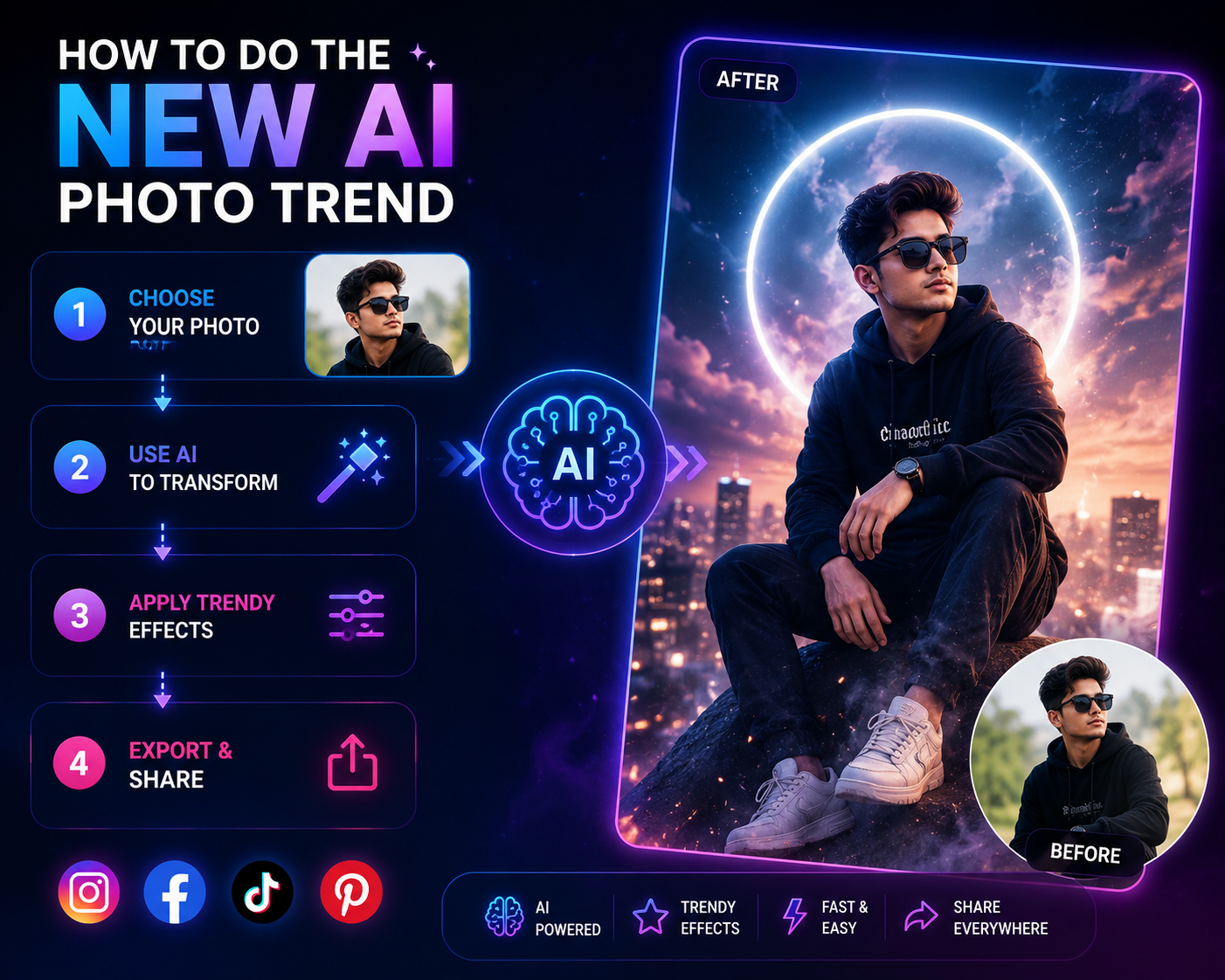
The new AI photo trend refers to a fast-rotating set of viral, AI-generated photo styles from toy-like action figure portraits to deliberately bad MS Paint doodles and nostalgic 90s camcorder looks that spread across TikTok, Instagram, and Pinterest by combining a real photo with a written style prompt. Unlike a traditional filter, these tools regenerate the entire image using AI,which is why the same prompt can produce different results each time, and why a single viral style can generate billions of views within weeks of appearing.
What Is the New AI Photo Trend, Exactly?
The new AI photo trend isn’t one single style it’s a recurring pattern: someone shares a distinctive AI-generated look, the underlying prompt gets copied and remixed thousands of times, and the trend spreads until a newer style replaces it, typically within three to six months. What makes a style “break through” into a genuine trend rather than staying niche comes down to three traits: it taps into collective memory or nostalgia, the transformation feels dramatic enough that people notice, and anyone can participate without design skills.
The Biggest AI Photo Trend Styles Right Now
Toy-ification / Action Figure Portraits : remains the single biggest AI photo trend of 2026, generating billions of views on TikTok and Pinterest, with “AI action figure” searches up 580% year-over-year on Pinterest. The style transforms a person into a collectible toy figure, complete with blister-pack packaging, a cardboard backer, and small labeled accessories the packaging detail is what separates a convincing version of this trend from a generic AI effect.
Anti-AI Imperfection (Film Grain / Nostalgic Camera Looks) : runs in the opposite direction from hyper-polished AI output deliberately adding film scratches, grain, faded color, and accidental blur to fight back against the “too-perfect” AI aesthetic that dominated earlier trend cycles. This has proven especially popular with younger creators who grew up surrounded by polished influencer photography and want something that reads as more authentic.
MS Paint / “Scribbly” Doodles : is the newest major entrant, flipping the entire premise of AI image generation instead of asking for higher quality, users ask AI to redraw a photo as badly as possible, mimicking a child’s mouse-drawn sketch, complete with lopsided features and chaotic scribbles.
90s Camcorder and CRT Effects : recreate the look of old family VHS footage timestamp overlays, scan lines, blown-out flash, and low-resolution grain applied to a modern photo to make it look decades old.
Ghibli-Style and Anime Portraits : a trend that first went viral in early 2025 and has continued strong demand into 2026 transforms a real photo into a hand-drawn animation style, along with related chibi and pop-art avatar transformations.
Roast Me Caricatures : ask the AI to exaggerate a person’s personality or physical traits into a comedic cartoon, often based on everything the AI model knows about the person from prior conversation mixing humor with a surprisingly personal element.
Cinematic Time Travel : places the subject into a completely different era or setting 1970s disco, Victorian streets, or a futuristic cyberpunk city using motion blur and lighting cues to make a static photo feel like a film still.
Best Tools for the New AI Photo Trend: A Comparison
- ChatGPT (OpenAI) : the most accessible option for non-technical users, since you describe the desired look in plain English and refine it through follow-up messages rather than learning prompt syntax. It drove several of the biggest 2025–2026 viral formats, including the action-figure trend and the Ghibli portrait wave. Its content policy is stricter than some competitors, which occasionally blocks legitimate creative prompts.
- Google Gemini : a strong free alternative to ChatGPT for the same style of conversational, prompt-based image editing.
- Meta AI : built directly into Facebook and Instagram, making it the simplest path if you want to stay inside a platform you already use without installing anything.
- Adobe Firefly : better suited to users who already work inside Adobe’s ecosystem and want AI trend styles integrated into a broader editing workflow.
- Pict.AI : a free browser and iOS tool offering more granular prompt control over lighting, lens, and texture, useful when you want to fine-tune a specific look rather than accept a fixed template.
- Media.io : positions itself as a cross-platform generator, letting you create one image and adapt it for TikTok, Instagram, and Facebook simultaneously, including photo-to-video conversion for Reels.
For the fastest, lowest-effort entry point, ChatGPT or Meta AI’s conversational prompt style is the easiest way in. For more precise creative control over lighting and texture, a dedicated tool like Pict.AI gives you more room to fine-tune before generating.
How to Recreate Any New AI Photo Trend Style
- Pick the trend first, not the prompt : decide on toy-ification, film grain, scribbly doodle, or another named style before you start writing a prompt.
- Choose a clean source photo : sharp focus, even lighting, and a simple background produce noticeably better results across every style.
- Write a specific, detailed prompt : naming the exact aesthetic, lighting, and texture rather than a vague request the difference between a generic result and a convincing one usually comes down to prompt specificity.
- Add constraints that reduce common errors : phrases like “five fingers each hand,” “no text,” or “natural skin pores” measurably cut down on the AI artifacts these tools are still prone to.
- Generate multiple variations :(4–8 is typical) and pick the best result rather than judging a trend from a single attempt.
- Export at the right size for your platform : a 4:5 ratio (1080×1350) works best for Instagram feed posts, while 9:16 (1080×1920) suits Stories and Reels; getting this wrong is one of the most common reasons AI photos look blurry or oddly cropped after posting.
Why These Trends Spread So Fast
The underlying reason the new AI photo trend cycle keeps accelerating is character consistency modern AI models can now generate multiple images of the same person without their face or proportions randomly shifting between generations, which has opened the door to AI comics, mini story series, and multi-scene content that wasn’t reliably possible even a year earlier. Combined with diffusion models that can preserve a subject’s identity while completely changing lighting, texture, and style around them, this is what makes trend-style transformations feel personal rather than generic.
If you’re specifically interested in Facebook-native trend content, our guide on how to do the AI trend on Facebook covers Meta’s built-in tools in more depth. For cartoon and caricature-specific styles, see our guides on the AI cartoon trend and the AI caricature trend.
Privacy Considerations Before You Join a Trend
Uploading a personal photo to any AI generator typically means that image can be used to train or refine the underlying model unless the platform explicitly states otherwise, and some AI-generated images now carry invisible content credentials (like C2PA or SynthID metadata) embedded in the file that persist even after cropping or resizing worth knowing if you’d rather not have an image traceable back to an AI tool. Stick to well-known platforms with clear data policies, particularly for anything beyond a casual, low-stakes post.
Frequently Asked Questions
How long does a typical AI photo trend last?
Most trends stay popular for roughly three to six months, though a few breakout styles like toy-ification have lasted six to twelve months by continuously spawning variations.
Do I need a paid tool to join the new AI photo trend?
No. ChatGPT, Google Gemini, and Meta AI all offer free tiers capable of producing trend-style images, though heavier or higher-resolution use may require a paid plan on some platforms.
Why do my AI trend photos look blurry after posting?
Usually because the image’s aspect ratio or file size doesn’t match the platform’s expected format, causing the app to recompress or upscale it. Resize and compress the image yourself to the platform’s exact dimensions before uploading.
What’s the easiest AI photo trend to try first?
Toy-ification and Ghibli-style portraits tend to be the most forgiving starting points, since both are widely documented with exact prompt examples and don’t require precise technical photography knowledge to get a convincing result.
Bottom Line
The new AI photo trend isn’t a single style but a constantly rotating cycle this month it might be toy-ification or deliberately bad MS Paint doodles, next month something else entirely. What stays consistent across every version of the trend is the underlying approach: pick a specific style, use a clean source photo, write a detailed and constrained prompt, and generate several variations before choosing your favorite. The tools (ChatGPT, Gemini, Meta AI, or a dedicated generator like Pict.AI) matter less than understanding this repeatable recipe, since it transfers directly to whatever the next viral style turns out to be.