
How to Use AI to Grow Your Photography Business in 2026
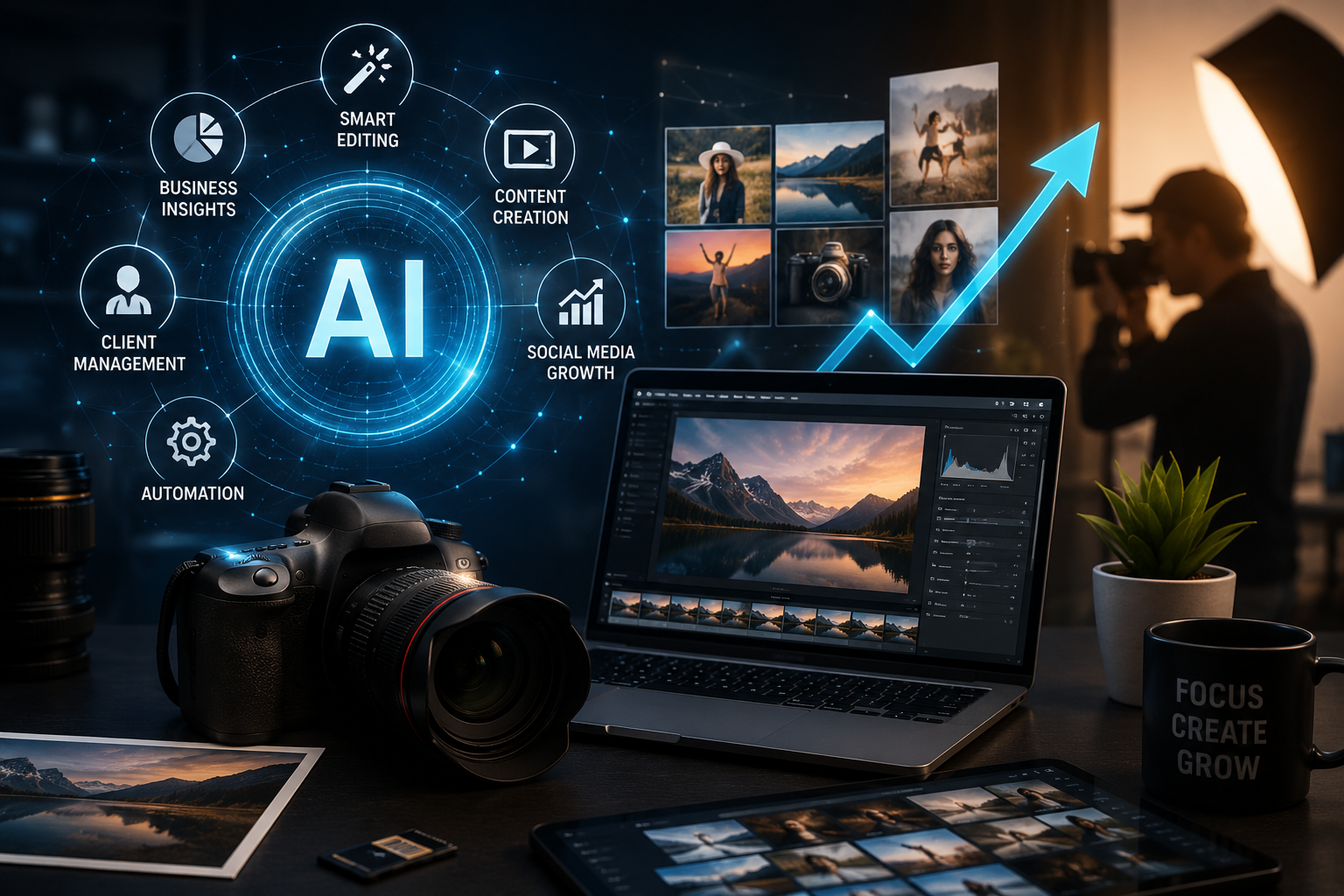
You can use AI to grow your photography business by automating the parts that eat up your time but aren’t actual photography: culling and editing, client communication, booking and contracts, and marketing content. Photographers using AI-assisted editing report processing a 2,000-photo wedding in 2–3 hours instead of 8–12, and industry data shows the average photographer saves around 12–25 hours per week once these workflows are automated, time that goes straight back into more bookings or more time off.
Why Photography Businesses Need AI in 2026
According to a PPA survey, only about 40% of a photographer’s time actually goes to shooting, the rest goes to admin, client management, marketing, and accounting. Adoption reflects this: 73% of professional photographers now use AI tools in some part of their business, and those who do report roughly 40% higher productivity, saving an average of 12 hours per week on post-production alone.
1. AI Photo Editing and Culling
Culling and basic editing are usually the biggest time sink in a photography business. AI-assisted culling and batch-editing tools can cut a wedding gallery’s processing time from 8–12 hours down to 2–3 hours by automatically flagging blinks, blur, and duplicate poses, then applying consistent color and exposure adjustments across the full set. Adobe Lightroom’s AI features now assist with retouching portraits, surfacing the strongest frames in a series, and cleaning up distracting background elements in seconds.
This is usually the best place to start using AI to grow your photography business, the highest-time-cost task with the least creative downside to automating.
2. Automating Client Communication and Booking
The traditional flow (inquiry → response → pricing → follow-up → date check → contract → deposit → confirmed) can take 7–14 days. AI-powered booking tools compress that into an auto-response with pricing and availability, online booking, and an auto-generated contract and invoice, often confirming a client in 1–2 days. Faster, AI-assisted response times have been linked to booking conversion increases of around 45%.
If you’d rather not manage this yourself, see our guide on How to Hire a Virtual Assistant for delegating this kind of admin work without hiring full-time.
For photographers who want to build a fully automated inquiry-to-booking pipeline themselves, our guide on the best AI workflow automation tools breaks down platforms like Zapier and Make that connect your inquiry forms, contracts, and invoicing with no custom coding.
3. Marketing and Content Creation with AI
Growing a photography business isn’t just about the shoot, it’s about staying visible. AI tools can draft social captions, blog posts, and newsletters far faster than starting from a blank page, and can generate quick marketing graphics for promotions.
If you’re designing promotional graphics or a portfolio page, see our breakdown of using Figma with AI for tools that generate layouts, copy, and images without a separate designer.
And if you’re using ChatGPT to help write blog posts or captions, it’s worth understanding how AI-written content gets flagged before you publish it under your own name see our guide on tools to check ChatGPT AI writing.
4. AI for Everyday Business Operations
AI is increasingly handling smaller operational tasks: drafting invoices, answering repetitive pricing questions, organizing client files, and tracking payment follow-ups. Pick one or two of these to automate first, rather than overhauling everything at once.
Real Numbers: What This Actually Saves You
- Total automatable time: 15–25 hours per week across editing, communication, and admin
- Wedding gallery editing: 8–12 hours down to 2–3 hours with AI-assisted culling
- Booking conversion: up to 45% higher with faster response times
- Estimated revenue impact: up to $35,000 in additional annual revenue from the same number of shoots
What AI Still Can’t Replace
AI is augmenting photography businesses, not replacing photographers, weddings, events, and editorial photography remain primarily human-produced. Where AI has genuinely displaced photographers is in commoditized work like basic product photography and stock imagery. If your business is built around real events and real clients, AI’s role is freeing up your time, not replacing your camera.
How to Start
- Identify your single biggest time sink first, usually editing or client communication.
- Automate that one task before adding anything else.
- Use the freed-up time for more bookings or real time off.
- Expand into a second area once the first automation is running reliably.
- Keep AI out of the actual shoot and creative direction.
Frequently Asked Questions
Not if you use it in the right places clients notice fast responses and consistent quality, not that your invoice was auto-generated.
Editing and culling, usually biggest time savings with the least risk to the client relationship.
Yes for standard edits (exposure, color, background cleanup); complex creative edits still benefit from a human pass.
Bottom Line
Using AI to grow your photography business means automating the parts of the job that aren’t photography, so more of your time goes back into shooting, booking clients, or having your evenings back. Start with your single biggest time sink and expand from there.